
Key Takeaways
Civilian preparedness cyber continuity is essential for protecting daily life in an era of connected devices and evolving digital dangers. Individuals can proactively safeguard their homes by building resilient systems and refining their security habits.
- Establishing boundaries for home networks is the first step toward effective digital protection.
- Diversified backup methods prevent total data loss during hardware failures or ransomware events.
- Awareness of social engineering prevents common credential harvesting attacks.
- Periodic auditing of accounts ensures that security posture remains relevant as threats evolve.
- Adopting a recovery-first mindset minimizes downtime during service disruptions.
Foundations of personal cyber continuity
Defining personal cyber resilience
Personal resilience centers on the ability to withstand and recover from digital disruptions rather than expecting perfect prevention. True security acknowledges that threats are inevitable, focusing instead on maintaining core functions even during a compromise. As an educational resource, Switch Defense helps readers translate these concepts into practical steps that secure daily life.
Assessing digital assets and home dependencies
Most households rely on a complex web of devices, cloud services, and software that often goes unnoticed until a failure occurs. Mapping your connections—from smart appliances to financial archives—allows you to identify which assets are critical for your daily survival. Knowing what requires protection is the first step toward building civilian preparedness cyber continuity for your family.
Understanding common cyber threats for individuals
Cybersecurity threats exploit human behavior, misconfigured devices, and software vulnerabilities to compromise personal systems. Attackers often target domestic environments because individuals lack the monitoring and detection capabilities found in corporate settings. By understanding that cybersecurity practices are not just for businesses, residents can better identify risks before they manifest as data theft or service outages.
Establishing a baseline security mindset
Security begins with a mindset that questions the source and integrity of every digital interaction. Adopting a deliberate approach to digital hygiene means you are no longer an easy mark for automated tools searching for open vulnerabilities. Developing this perspective is a core part of what Switch Defense teaches for long-term protection.
Securing home digital infrastructure
Hardening home network entry points
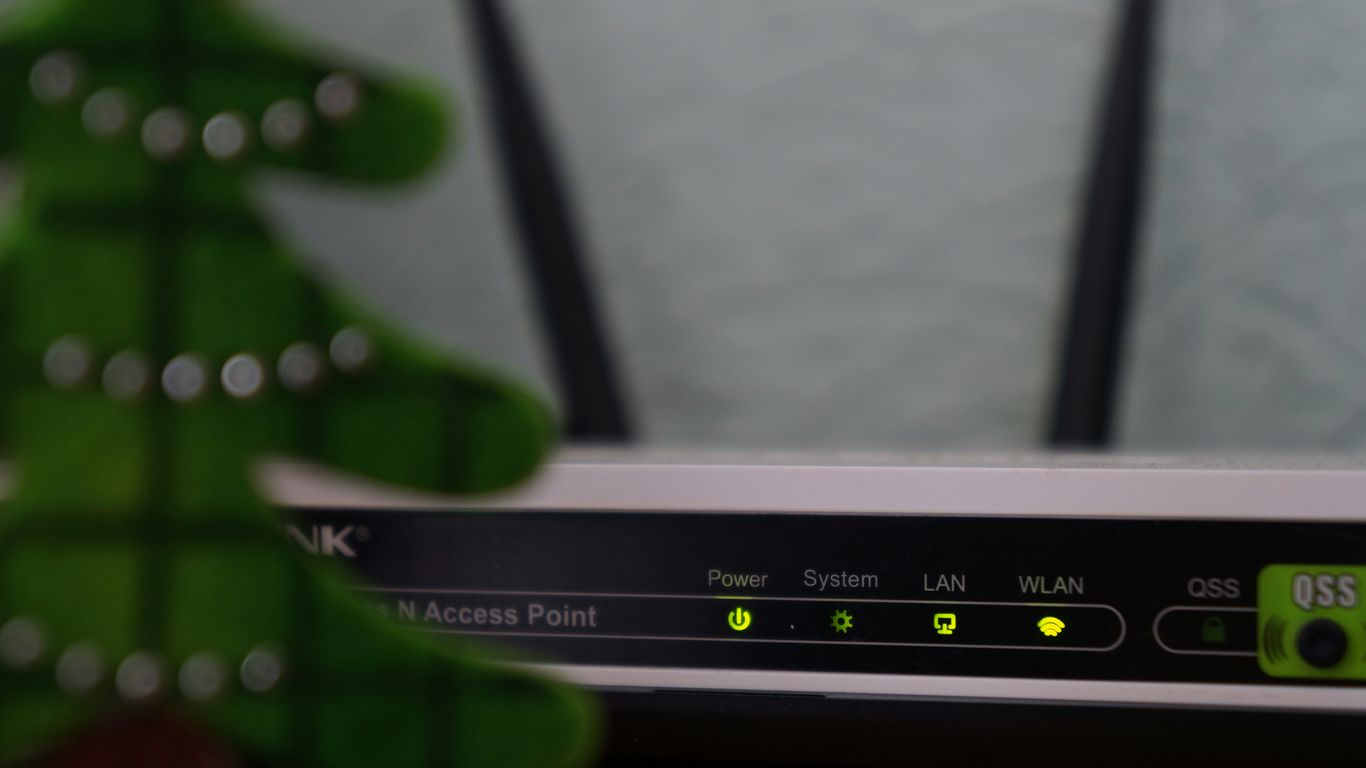
Your router is the primary gateway between your local environment and the global web, making its configuration critical to overall safety. Default settings often include legacy features that create unnecessary exposures for your household traffic.
- Rotate administrative credentials immediately upon setup.
- Disable Universal Plug and Play (UPnP) to prevent unauthorized device discovery.
- Segment your network traffic into separate VLANs for guest devices.
- Update firmware regularly to address known vulnerabilities.
Managing these settings turns a simple appliance into a robust barrier against external scanning. Once access points are controlled, you create a more predictable environment for your connected systems.
Managing IoT and smart device security
Smart thermostats, doorbells, and cameras often feature weaker security controls and are frequently neglected in update cycles. These devices create hidden backdoors into your network if they are not isolated from sensitive data sources. Keeping them on a guest-only network segment prevents them from becoming entry vectors for malicious actors.
Adopting zero-trust principles for home networks
Zero-trust architecture assumes that no device is implicitly safe, whether it resides inside the home or connects from a remote location. Applying this logic means you verify the necessity of every connection and limit the communication paths available to your devices. This Switch Defense approach minimizes the blast radius of any individual device failure.
Implementing identity and access controls
Identity is the most critical boundary to manage in an era of identity-based attacks and persistent credential reuse. Robust control involves restricting what each application or service can do, rather than granting broad administrative permissions. Maintaining granular access ensures that a single compromised device cannot lead to a wider system identity takeover.
Implementing effective backup strategies
The 3-2-1 backup rule for personal data
Data preservation is the bedrock of recovery, requiring multiple copies in distinct formats that remain independent from your primary systems. Maintaining three copies on two types of media, with one copy kept off-site, provides essential redundancy.
| Backup Type | Description | Frequency |
|---|---|---|
| Primary Storage | Live working data | Always |
| Local Backup | External drive access | Daily |
| Offsite Backup | Cloud encrypted archive | Weekly |
This tiered structure ensures that you remain operational even if local hardware fails or a site-specific event occurs. Following this simple matrix provides a reliable safety net for your digital history.
Selecting reliable storage media and cloud services
Reliability depends on consistency, meaning you should prefer storage hardware with high durability and cloud providers with proven encryption protocols. Cloud services add an additional layer of protection by moving critical data away from physical home risks like fire or theft. When selecting media, always account for how easy it is to retrieve that data during a high-stress incident.
Ensuring backup immutability and recovery testing
Backups must be protected against modification, such as encryption from a rogue software infection. Immutability ensures that once a file is written, it cannot be altered by subsequent processes until its natural expiration. Regular testing verifies that your recovery procedures work, ensuring you aren’t just storing useless data.
Automating routine data preservation
Manual backups are frequently forgotten, creating gaps in protection that attackers can exploit. Automating the transfer of assets to secure locations removes the human element of hesitation or forgetfulness. A schedule that triggers background synchronization keeps your recovery state updated without requiring constant attention.
Mitigating social engineering and human risk

Recognizing modern phishing and impersonation tactics
Attackers design phishing campaigns around urgency, fear, and curiosity to trick victims into revealing sensitive access tokens. Impersonation now uses deceptive branding and social manipulation to replicate the feeling of legitimate communication. Training yourself to pause when an email asks for immediate action is a simple but effective defense mechanism against these traps.
Protecting personal information and privacy online
Privacy is not merely about staying hidden but about controlling what external actors know about your digital footprint. Limiting the exposure of your physical location, financial history, and private identifiers reduces the material attackers have to build a successful deception. Minimizing your online footprint directly decreases the likelihood of targeted social engineering attempts.
Managing credentials and utilizing multi-factor authentication
Strong passwords are only as good as their storage, necessitating the use of password managers to maintain complexity across diverse services. Multi-factor authentication adds a critical verification step that prevents attackers from abusing stolen credentials alone. Even if a password is compromised, the need for a secondary factor acts as a final wall against unauthorized access.
Developing secure habits for financial transactions
Financial security requires monitoring accounts through independent channels rather than reliance on links provided in notifications. Using verified applications and multi-channel verification for larger transfers ensures that you aren’t falling for fake transaction triggers. Consistency in these routines protects your livelihood from systemic financial fraud.
Preparing for cyber incident response
Creating a home cyber incident response plan
An effective response plan documents who is responsible for specific systems and where to find critical recovery information. Mapping your escalation paths—such as knowing how to contact your ISP or financial institution—accelerates the correction of an incident. This Switch Defense guide helps you visualize the steps needed when an incident inevitably breaks your daily routine.
Identifying key signs of system compromise
Compromise often presents through subtle changes in performance, like unexplained network activity, modified local settings, or degraded response times. Being familiar with your baseline performance helps you spot anomalies that would otherwise go unnoticed by casual users. Rapid awareness allows you to trigger your containment procedures during the earliest stages of an event.
Executing containment and system restoration steps
Containment requires isolating affected systems from the broader network to limit the damage. Once removed, you can safely audit the environment and rely on your immutable backups to perform a verified restoration. Following these steps prevents the spread of infection while ensuring you don’t overwrite healthy critical data.
Preserving evidence for potential reporting
If you believe a crime has occurred, preserving digital state—such as logs or unusual screenshots—is vital for potential legal investigations. Avoid deleting files until you have consulted with authorities or documentation specialists, as this information is the only way to perform a proper root-cause investigation.
Maintaining long-term digital resilience
Staying updated on threat landscape evolutions
Threats constantly change as attackers find new ways to leverage modern tools like artificial intelligence in deception. Subscribing to reliable security updates keeps you informed about current risks without succumbing to constant alarmism. Informed decision-making relies on understanding real patterns rather than reacting to news cycles.
Conducting periodic security audits of personal accounts
An annual audit of your digital life ensures you haven’t left unused accounts accessible or maintained outdated permissions. Removing dormant access points reduces your attack surface and keeps your identity tighter. This process is similar to physical spring cleaning, removing clutter that could become a security burden.
Leveraging privacy tools and reputable software providers
Choosing privacy-focused software can help reduce default data collection and limit exposure to third-party tracking. Reputable providers maintain stricter update loops and provide clearer visibility into how their tools handle user traffic. Utilizing resilient software is a major factor in ensuring your home environment remains stable over long periods.
Planning for digital estate management and recovery
Digital assets are a permanent part of your life, necessitating a plan for their transfer or recovery in unexpected circumstances. Securely listing access keys for important accounts ensures family members are not locked out when they need access most. A responsible digital estate plan treats your online presence with the same gravity as your physical legal affairs.
Conclusion
Achieving civilian preparedness cyber continuity requires a sustained effort to build resilient habits, secure home infrastructure, and plan for potential disruptions. By integrating these strategies into your daily life, you transform from an observant consumer into an active architect of your own digital safety. Remember that defense is not about eliminating all risk but about ensuring your systems remain operational even when facing an unpredictable digital landscape.
Frequently Asked Questions
Why should civilians worry about cyber incidents?
Modern domestic life depends heavily on connected accounts, financial institutions, and communication devices that attract malicious interest from remote attackers. Protecting these assets ensures the continuity of your essential services and personal data.
How often should I test my backups?
Testing should occur at least biannually or after any significant infrastructure change to ensure your recovery process remains valid and files are not corrupted.
Does using a password manager really help?
Yes, it enables the use of unique, complex credentials for every service you use, preventing a single site compromise from endangering all of your other accounts.
What does isolating IoT devices achieve?
Isolation prevents potentially insecure smart devices from communicating with higher-sensitivity systems like your personal workstation or local file storage.
What is the most important step for incident response?
Preparation, such as having a documented plan and accessible backups, is the most crucial element for maintaining your composure and speed during a crisis.
How can I verify if an email is a phishing attempt?
Look for inconsistencies between the stated sender address and the link destinations, as well as language that tries to force you into urgent, unplanned action.
Is zero-trust too complex for home networks?
It can be simplified for household use by focusing on basic principles, such as limiting guest access and segmenting device traffic rather than implementing complex enterprise-grade policy engines.